Activar el seguimiento ocular
iPhone 17 Pro Max
Activar el seguimiento ocular
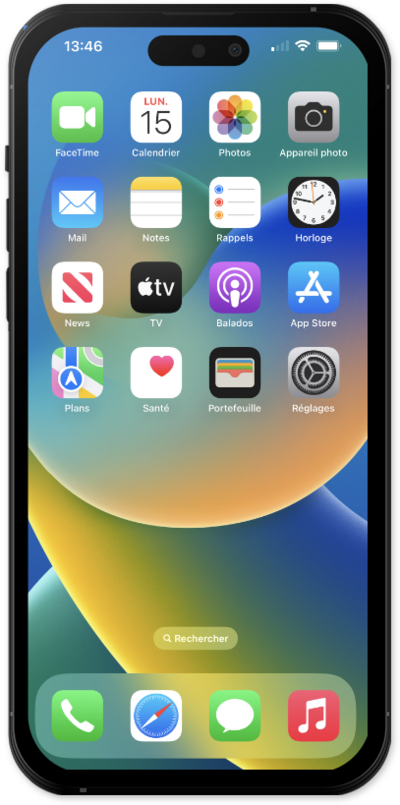
Aprende a activar esta funcionalidad que te permite controlar tu dispositivo con tus ojos.
1.
From within the Settings app, tap Accessibility.
2.
Scroll to and tap Eye Tracking.
3.
Tap or slide the Eye Tracking switch to ON.
Follow the onscreen instructions to finish setting up eye tracking. Once set up, use your eyes to move the selector bar and maintain your gaze to select controls.
4.
¡Completaste los pasos!
