Desconectar tu Apple Watch
Watch Series 11
Desconectar tu Apple Watch
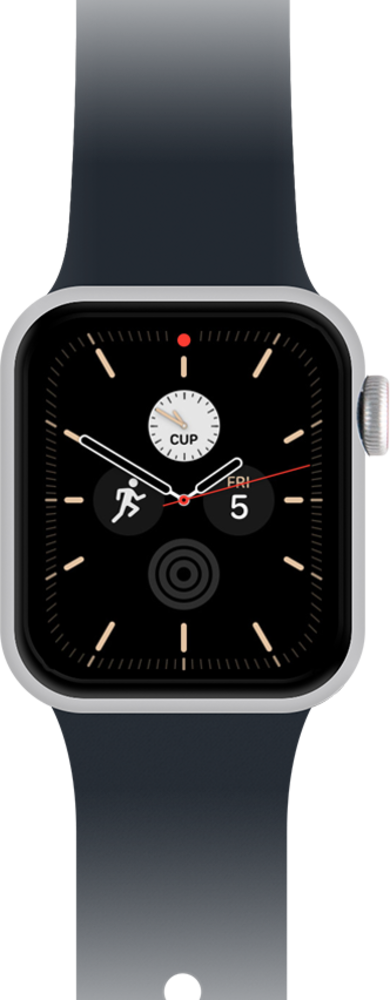
Sigue estos pasos a continuación para aprender el proceso fácil de desconectar tu reloj. Después de que tu reloj esté desaparejado, puedes reparar o conectar inmediatamente un reloj nuevo.
1.
From your iPhone, open the Watch app.
2.
In the My Watch tab, tap All Watches.
3.
Tap the info button next to the watch that you want to unpair.
4.
Scroll to and tap Unpair Apple Watch.
5.
Tap Unpair Jack's Apple Watch.
Your device may be named different and the option will show as "Unpair + 'your Apple Watch name'".
6.
Type your Apple ID password to disable Activation Lock, then tap Unpair.
Before erasing all content and settings on your Apple Watch, your iPhone creates a new backup of your Apple Watch. You can use the backup to restore a new Apple Watch. After your Apple Watch unpairs, you'll see the Start Pairing message. Then you can set up your apple watch again or turn it off.
7.
¡Completaste los pasos!
