Configurar Wi-Fi llamadas
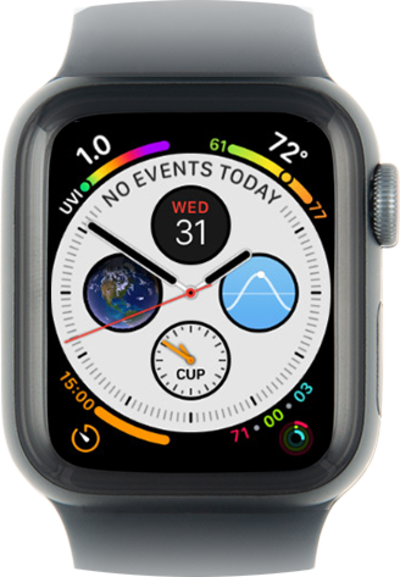
Watch Series 4
Configurar Wi-Fi llamadas
Cuando Wi-Fi llamada está activada, tu dispositivo puede hacer y recibir llamadas a través de Wi-Fi redes. Tu dispositivo elegirá realizar llamadas a través de Wi-Fi o a través de una red móvil según qué señal sea más potente en ese momento.
1.
Desde la pantalla de inicio, toca Settings.
2.
Scroll to Phone.
3.
Toca Phone.
4.
Toca Wi-Fi Calling.
5.
Tap or slide the Wi-Fi Calling on This iPhone slider to the on position.
6.
Toca Enable.
If necessary, confirm or update your emergency address information.
7.
Toca Phone.
8.
Tap Calls on Other Devices.
9.
Tap or slide the Allow Calls on Other Devices slider to the on position.
If your iPhone has previously connected to a Wi-Fi network, your Apple Watch will automatically connect and enable. If a cellular plan has been added, the option to control Wi-Fi calling may not be visible within the Watch app, but will still work.
10.
¡Completaste los pasos!
