Compartir fotos
Galaxy A6
Compartir fotos
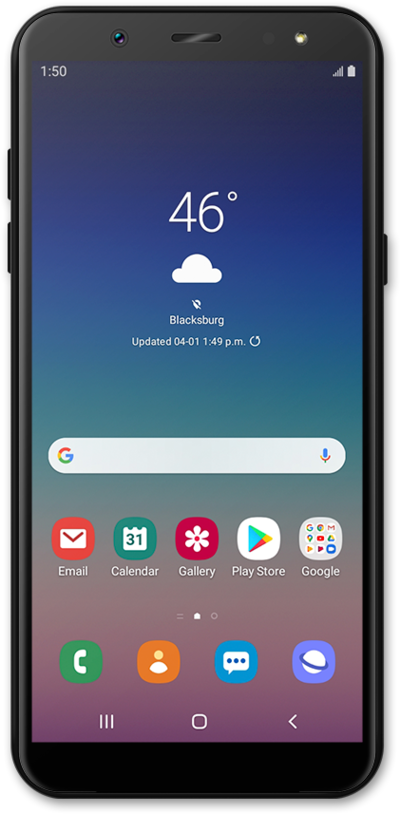
Comparte fotos y videos con otros a través de Bluetooth, mensajes de texto, correo electrónico, Facebook y más.
1.
Desde la pantalla principal, deslízate hacia arriba para ver tus aplicaciones.
2.
Toca Gallery.
3.
Selecciona un álbum.
4.
Select the photo you'd like to share.
5.
Toca el ícono Share.
6.
Scroll to Bluetooth.
7.
Toca Bluetooth.
For this tutorial, we're sharing photos with Bluetooth. You can select any available share option, but steps may vary slightly depending on what you choose.
8.
Select a device to pair.
Make sure the device you're sending photos to has Bluetooth on and is set to be discoverable or visible.
,Once another device is selected, your picture will automatically send.
9.
¡Completaste los pasos!
