Cambiar el tono de timbre
Cambiar el tono de timbre
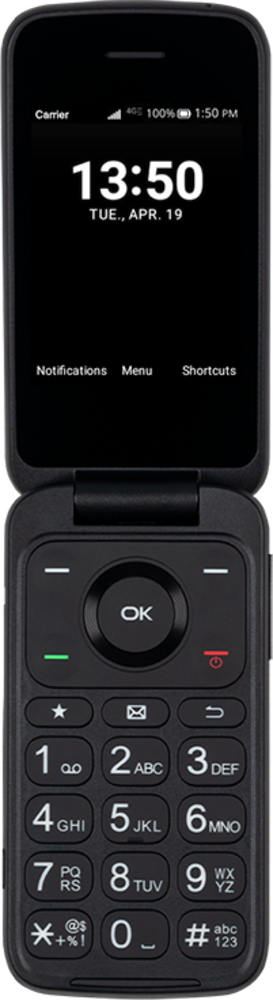
Puedes personalizar el sonido que hace tu dispositivo cuando recibes una llamada telefónica, correo electrónico o mensaje de texto. Averigua cómo cambiar tu tono de timbre predeterminado.
1.
Desde Settings, ve hasta Sound & notifications y oprime el botón OK .
2.
Navega hasta los tonos de timbre y oprime el botón OK .
3.
Navega hasta un nuevo tono de timbre.
4.
Oprime el botón OK .
5.
¡Completaste los pasos!
