Limitar un iPad a una sola aplicación usando el acceso guiado
Limitar un iPad a una sola aplicación usando el acceso guiado
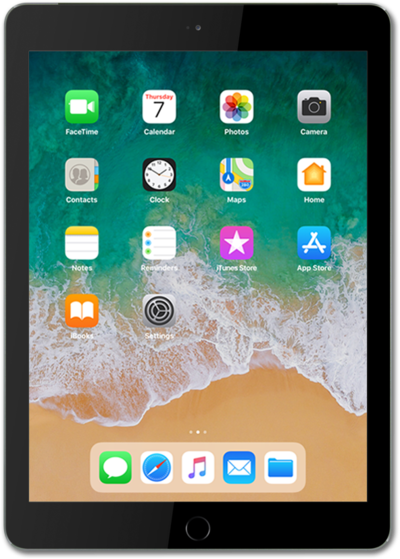
Desde la aplicación Settings, desplázate y toca Accessibility.
Scroll to and tap Guided Access.
Tap or slide the Guided Access switch to ON.
The following steps show how to use Guided Access.
To enable Guided Access, triple-click the Top button.
If your iPad has a home button, triple-press the Home button instead.
Selecciona Options.
Tap or slide the switch for your preferred options that will be available or unavailable when Guided Access is enabled.
Tap outside of the Options popup to close it.
Drag your finger around any on screen option you want to be disabled while Guided Access is enabled.
You can further adjust the disabled area by dragging the borders of the highlighted area.
Tap Start to enable Guided Access.
Enter your new Guided Access Passcode.
This passcode is different than your Lock screen passcode.
Verify your passcode.
To disable Guided Access, triple-click the Top button.
If your iPad has a home button, triple-press the Home button instead.
Enter your Guided Access Passcode.
Toca End.
¡Completaste los pasos!
