Configurar una eSIM en tu teléfono
Moto G 5G (2023)
Configurar una eSIM en tu teléfono
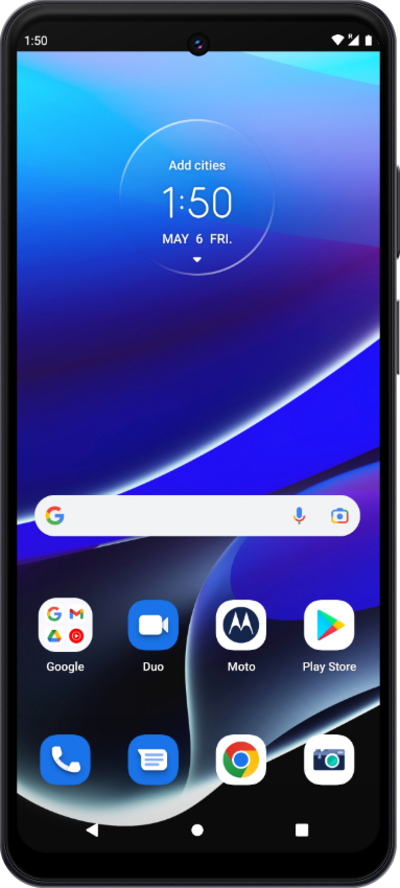
Una guía de todas las formas diferentes en que puedes configurar una eSIM en tu dispositivo.
1.
From within the Settings app, tap Network and Internet.
Este tutorial explica cómo activar tu eSIM a través de un código QR.
2.
Tap the Plus icon.
3.
Tap Download a SIM instead?.
4.
Sigue las indicaciones que aparecen en pantalla.
5.
¡Completaste los pasos!
