Setting up a new phone manually
Setting up a new phone manually
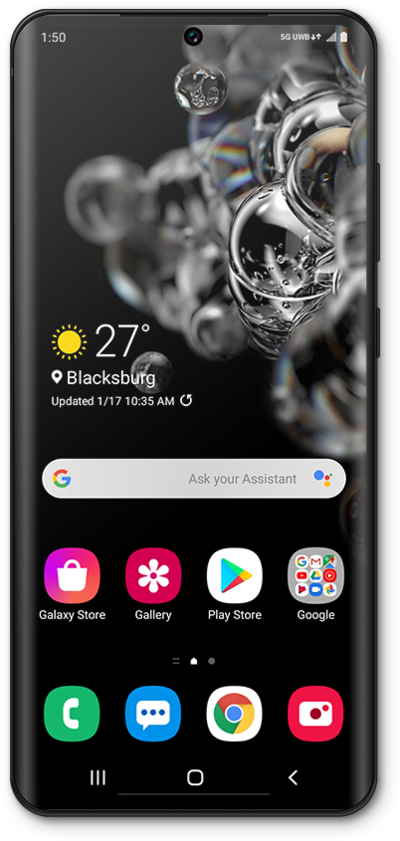
Toca Start.
Aquí puedes cambiar tu configuración local, de accesibilidad y realizar una llamada de emergencia.
Selecciona todas las políticas y acuerdos que aceptas y toca Agree.
Toca Next.
Selecciona tu red Wi-Fi.
Ingresa la contraseña de tu red y toca Connect.
Toca Next.
Para configurar tu teléfono como un dispositivo nuevo, toca Don't copy.
También puedes transferir aplicaciones y datos desde tu teléfono anterior.
Ingresa la dirección de correo electrónico de tu cuenta de Google y toca Next.
Ingresa tu contraseña y toca Next.
Elige quién usará este dispositivo y toca Next.
Toca I agree.
Toca Accept.
Toca PIN.
En esta pantalla, puedes elegir varias funcionalidades de seguridad para bloquear tu teléfono.
Ingresa un número de PIN y toca Next.
Vuelve a ingresar tu número de PIN y toca OK.
Toca Skip.
Desde esta pantalla, puedes elegir configurar Google Assistant.
Toca Skip otra vez.
Desde esta pantalla, puedes configurar el desbloqueo de tu dispositivo con Google Assistant.
Toca Skip otra vez.
En esta pantalla, puedes elegir configurar tu cuenta de Samsung.
Toca Skip otra vez.
Toca Agree.
En esta pantalla, puedes elegir qué servicios Samsung te gustaría tener en tu dispositivo.
Toca Finish.
You've completed the steps!
