Ingresar y cerrar sesión en tu ID de Apple
Ingresar y cerrar sesión en tu ID de Apple
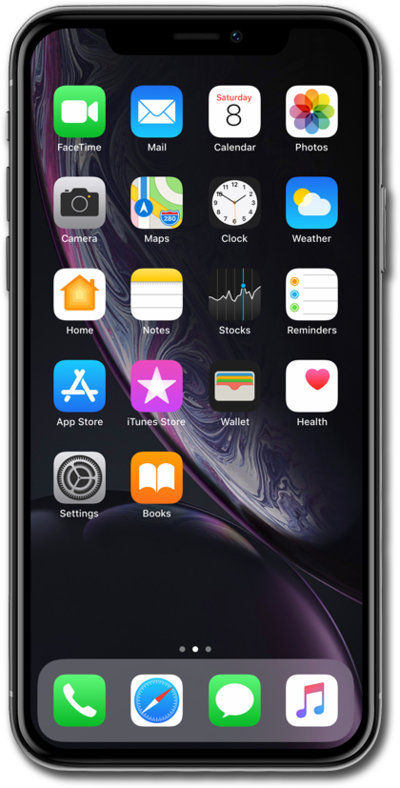
Desde la pantalla de inicio, toca Settings.
Tap Apple Account.
Toca Sign in Manually.
Si ya tienes un ID de Apple, sigue los pasos para configurar tu cuenta en este dispositivo. If you don't have an Apple ID yet, tap Don't have an Apple ID or forgot it? and if you are attempting to log into another device, tap Use Another Apple Device.
Toca el campo Email o Phone Number .
Ingresa tu dirección de correo electrónico.
Toca Continuar.
Ingresa tu contraseña.
Toca Done.
Es posible que se te pida que ingreses un código enviado a otro dispositivo iOS con el mismo ID de Apple, así como también el código personal de tu iPhone si se configuró uno.
Para cerrar la sesión de tu ID de Apple, selecciona tu perfil en Settings.
To sign out of your Apple ID, scroll to and tap Sign Out.
Ingresa tu contraseña.
Tap Turn Off.
Select any content you'd like to keep a copy of.
Toca Sign Out.
Tap Sign Out again.
¡Completaste los pasos!
