Programar mensajes con Send Later
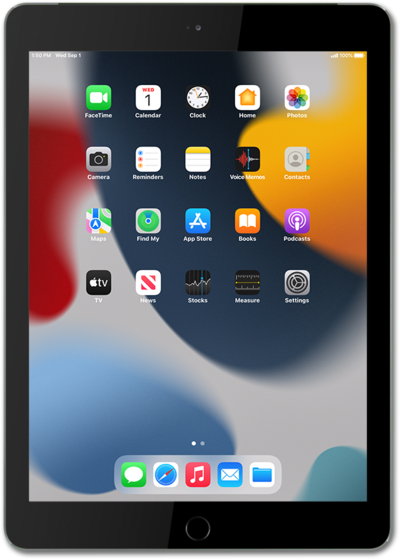
iPad (7th generation)
Programar mensajes con Send Later
Send Later te permite programar un mensaje para que se envíe más adelante.
1.
From the Messages app, tap the Plus icon in a conversation you want to schedule a message for.
2.
Toca Send later.
3.
Escribe tu mensaje.
4.
Toca la barra azul para cambiar el tiempo de envío programado.
5.
Selecciona tu hora preferida.
6.
Toca el ícono Send .
After sending the message, you can tap Edit to send it immediately, change the scheduled time, or cancel it.
7.
¡Completaste los pasos!
