Encuentra tu ICCID
Moto G 5G 2024
Encuentra tu ICCID
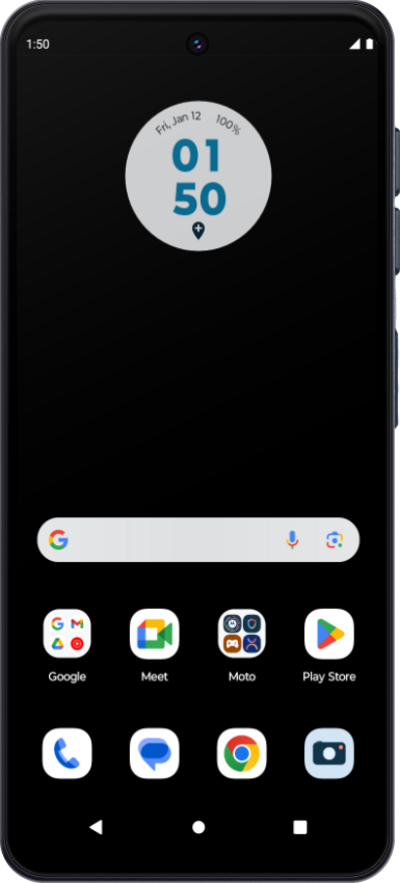
Un identificador de tarjeta de circuito integrado o ICCID es un número único asignado a tu SIM. Sigue este tutorial para localizar fácilmente el ICCID de tu SIM.
1.
Desde la aplicación Settings, desplázate y toca About phone.
2.
Ve hasta Detalles del dispositivo.
3.
Toca Device details.
4.
Toca el estado de la tarjeta SIM.
Depending on your device's screen size and screen zoom settings, you may need to scroll down to find your ICCID.
5.
¡Completaste los pasos!
