Activar y cambiar las configuraciones de Live Caption
Galaxy S22 Ultra
Activar y cambiar las configuraciones de Live Caption
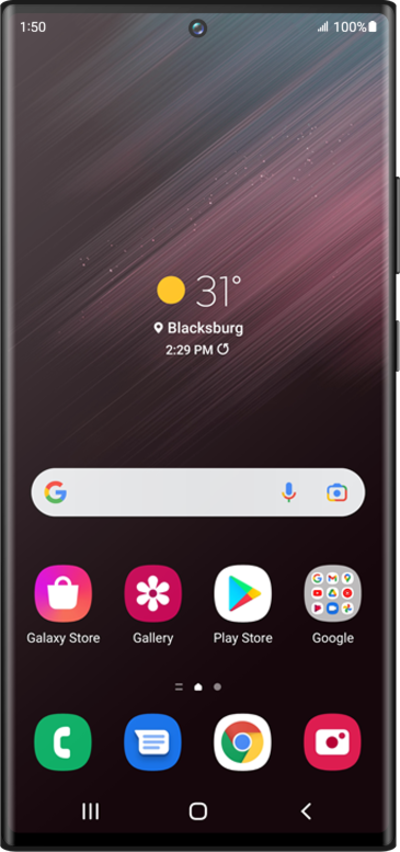
Con Live Caption, tu dispositivo creará automáticamente subtítulos para cualquier audio que se esté reproduciendo actualmente, como podcasts, música y videos.
1.
En Accessibility, toca Hearing enhancements.
2.
Toca Live Caption.
3.
Desplázate, luego toca o desliza el interruptor Hide obanity a ON.
4.
Desplázate y toca o desliza el botón Use live Caption a ON.
5.
¡Completaste los pasos!
