Configurar los niveles de volumen con el panel de volumen
Galaxy S25
Configurar los niveles de volumen con el panel de volumen
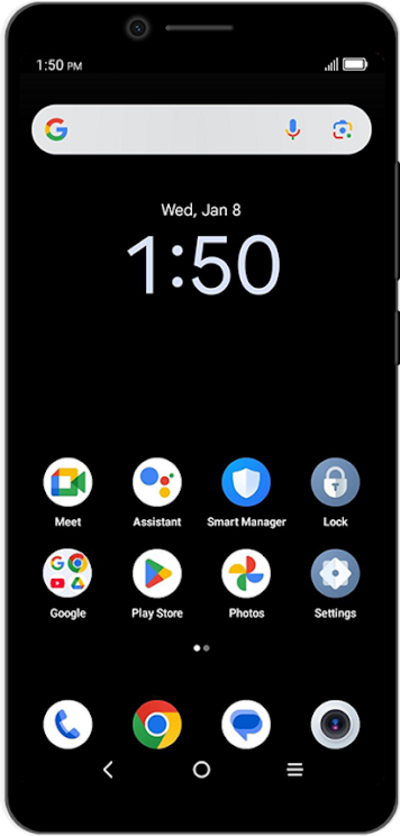
Averigua cómo ajustar el volumen de tu dispositivo.
1.
Tap a Volume button on the side of your device.
Your device may look different from the image shown, but the steps are the same for all Samsung models.
2.
Toca el ícono Menu.
3.
Selecciona tus preferencias.
From this screen, you can switch media output and set volume levels for each media, calls, notifications, and more.
4.
¡Completaste los pasos!
