Iniciar y usar Google Gemini
XCover7 Pro
Iniciar y usar Google Gemini
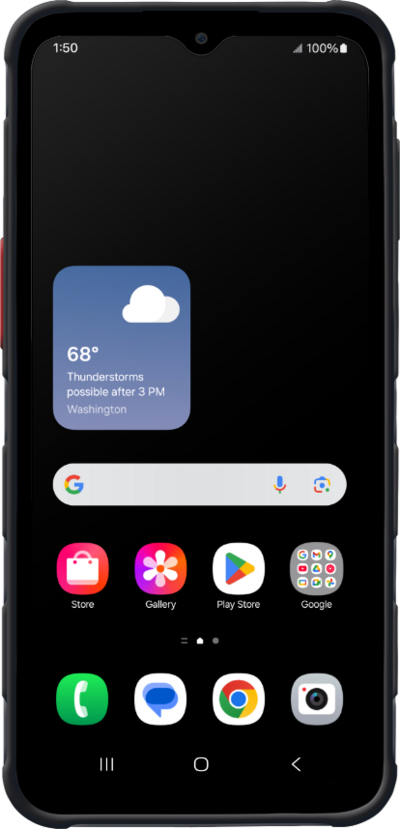
Ya sea que estés escribiendo un mensaje rápido, poniendote al día con artículos, planificando tu día o simplemente buscando respuestas rápidamente, Google Gemini es tu asistente inteligente que te ayuda a hacer todo, directamente desde tu teléfono o tablet.
1.
Mantén oprimido el botón lateral para iniciar Google Gemini.
Habilita Voice wake-up en las configuraciones de tu dispositivo para tener acceso manos libres a Google Gemini Voice.
2.
Pronuncia un comando y luego suelta el botón Google Gemini.
3.
¡Completaste los pasos!
