Configurar el correo de voz
Galaxy S26 Plus
Configurar el correo de voz
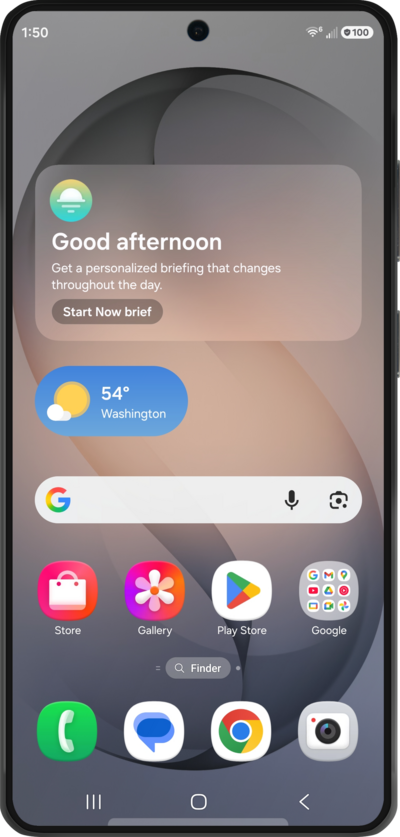
Aprende a configurar el correo de voz para que puedas almacenar los mensajes de las llamadas que perdiste. Si el ícono de tu correo de voz no aparece, intenta reiniciar tu teléfono.
1.
Mientras estás en la aplicación Phone, un método para configurar el correo de voz es llamando a tu bandeja de entrada del correo de voz. To try this, tap Keypad.
2.
Touch and hold the 1 key until the call starts, and follow the spoken prompts.
También puedes marcar tu propio número de teléfono para llamar a tu correo de voz.
3.
You can also set up your voicemail from the Visual Voicemail app. For this method, navigate to your apps and tap Visual Voicemail.
Depending on your carrier, this app's name may vary, but the icon remains the same.
4.
Tap Set up Visual Voicemail.
If prompted, first grant the necessary permissions for the app to function.
5.
You've completed the steps!
