Actualizar tu plan de almacenamiento iCloud
iPhone X
Actualizar tu plan de almacenamiento iCloud
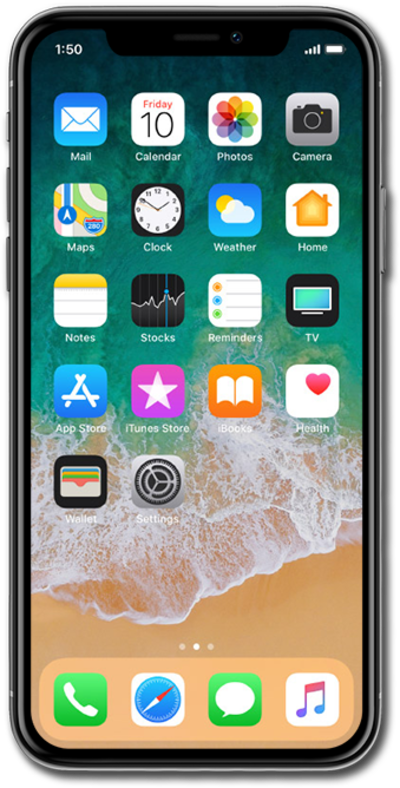
Si te estás quedando sin espacio en tu dispositivo, puedes actualizar tu almacenamiento iCloud para que tengas más espacio en el servicio cloud para guardar tus fotos, videos, canciones y más.
1.
Desde la pantalla de inicio, toca Settings.
2.
Selecciona tu perfil.
3.
Toca iCloud.
4.
Toca Manage Account Storage.
From this screen, you can view apps using iCloud and manage your iCloud storage plan.
5.
Toca Change Storage Plan.
6.
Toca Buy.
Your storage plan will automatically renew on a monthly recurring basis. You can cancel at any time by reverting to the free iCloud storage plan.
7.
Selecciona el plan que desees y luego toca Upgrade to iCloud+.
8.
Enter your Apple ID password.
If you have previously set up Face ID, you can use it in place of your Apple ID passcode. If your device has a home button, Touch ID can be used instead of Face ID. Para cualquier caso, puedes saltar al paso 9.
9.
Toca Sign In.
10.
You've completed the steps!
