Configurar un teléfono nuevo manualmente
Configurar un teléfono nuevo manualmente
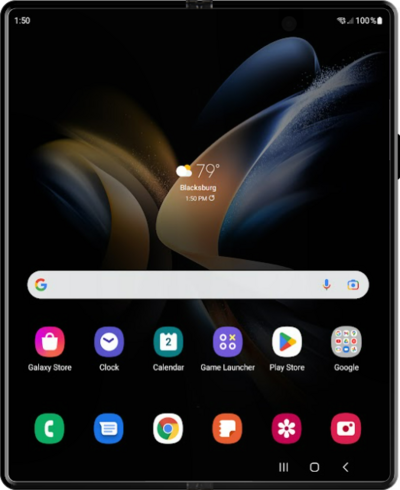
Toca Start.
Aquí puedes cambiar tu configuración local, de accesibilidad y realizar una llamada de emergencia.
Selecciona todas las políticas y acuerdos que aceptas y toca Agree.
Toca Set up Manually.
Toca Next.
Selecciona tu red Wi-Fi.
Ingresa la contraseña de tu red y toca Connect.
Para configurar tu teléfono como un dispositivo nuevo, toca Don't copy.
También puedes transferir aplicaciones y datos desde tu teléfono anterior.
Ingresa la dirección de correo electrónico de tu cuenta de Google y toca Next.
Ingresa tu contraseña y toca Next.
Toca I agree.
Toca PIN.
En esta pantalla, puedes elegir varias funcionalidades de seguridad para bloquear tu teléfono.
Ingresa un número de PIN y toca Continue.
Vuelve a ingresar tu número de PIN y toca OK.
Toca Accept.
Toca Continuar.
Toca No thanks.
Toca Email o número de teléfono.
Ingresa tu correo electrónico de Samsung y toca Next.
Ingresa tu contraseña de Samsung y toca Sign in.
Toca Agree.
Toca Next.
Vuelve a tocar Next .
Vuelve a tocar Next .
Toca Agree.
Toca Next.
Vuelve a tocar Next .
Vuelve a tocar Next .
Toca Finish.
¡Completaste los pasos!
