Realizar un reinicio de fábrica
iPhone 14 Pro Max
Realizar un reinicio de fábrica
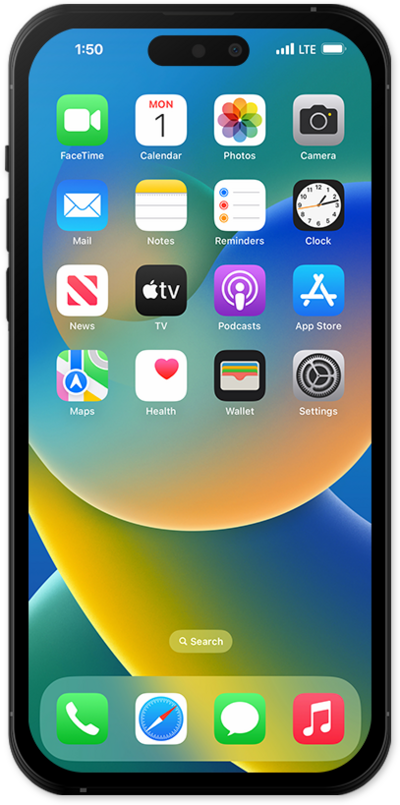
Un restablecimiento de fábrica borrará todos los datos de tu dispositivo y es irreversible. Esto es bueno si vas a intercambiar o vender tu dispositivo. Borrará toda tu información personal del dispositivo.
1.
From Settings, tap General.
2.
Scroll to and tap Transfer or Reset iPhone.
3.
Toca Erase All Content and Settings.
4.
Toca Continuar.
If a device passcode has been set, you will need to enter it.
5.
Choose your preference.
If you want to keep your eSIM plan on your iPhone, select Keep eSIM and Erase Data. If you are erasing your iPhone to give to someone else, choose Delete eSIM and Erase Data.
6.
¡Completaste los pasos!
