Realizar una verificación de seguridad
iPhone 17 Pro Max
Realizar una verificación de seguridad
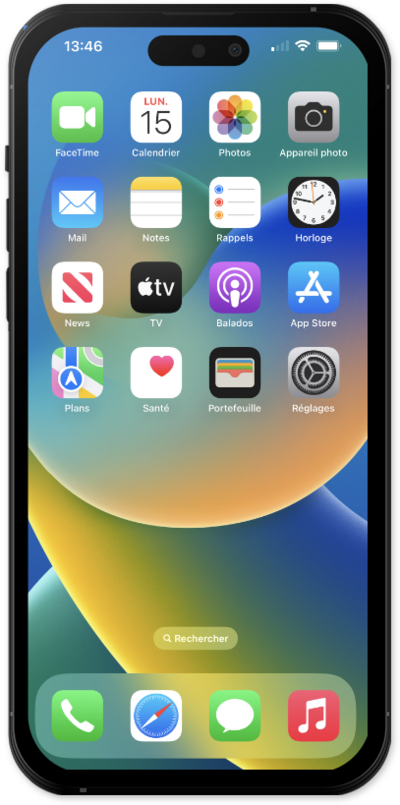
Si deseas revisar lo que compartes, con quién compartes y restablecer la información a la que tienen acceso las aplicaciones, sigue este tutorial para aprender a usar la funcionalidad Administrar compartir y acceder a verificación de seguridad.
1.
Desde la aplicación Settings, desplázate y toca Privacy & Security
2.
Desplázate y toca Safety Check.
3.
Desde esta pantalla, puedes usar los siguientes métodos para administrar el acceso a tu información por aplicaciones y personas:
- Reinicio de emergencia : revoque inmediatamente el acceso de todas las personas y aplicaciones, cambie la contraseña de su cuenta Apple y revise y cambie sus contactos de emergencia. Usa esta opción si te preocupa que alguien tenga acceso a tu cuenta e información sin tu permiso y no hayas podido eliminarlas de otra manera.
- Administra Sharing & Access : revisa la información que estás compartiendo con personas y aplicaciones, como tu ubicación, fotos, calendario o contactos, y elige individualmente personas o aplicaciones de las que quieres revocar compartir. La verificación de seguridad también te guiará para revisar la seguridad de tu cuenta Apple, incluida tu contraseña.
4.
¡Completaste los pasos!
