Tomar y editar una captura de pantalla
iPhone 17
Tomar y editar una captura de pantalla
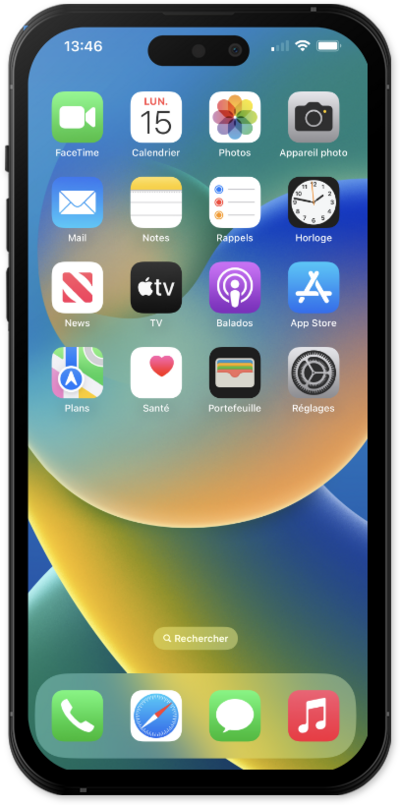
Averigua cómo tu dispositivo puede tomar capturas de pantalla de lo que esté actualmente en tu pantalla. Una vez que se haya tomado una captura de pantalla, puedes dibujar sobre ella o colocar texto en ella.
1.
From a screen you would like to capture, quickly press the Volume Up button and the Side button at the same time.
If you are using a device with a home button, press the Home button instead of pressing the Volume Up button.
2.
Drag the white borders to crop your screenshot.
If necessary, tap the preview thumbnail of your screenshot to view it.
3.
Tap the Markup Tool icon.
4.
Select a markup tool from the bottom of your screen.
5.
Write or draw on your screenshot with your finger.
6.
Toca el ícono Check Mark .
7.
Tap Save to Photos to save the screenshot to your photo album.
8.
¡Completaste los pasos!
