Enviar un mensaje de texto con un archivo adjunto
iPad Pro 11-inch (4th generation)
Enviar un mensaje de texto con un archivo adjunto
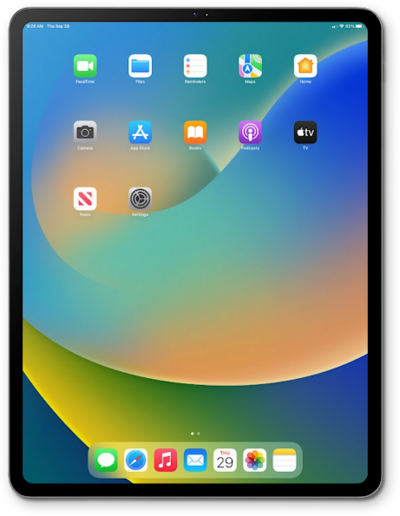
Escribe y envía un mensaje SMS estándar con la aplicación de mensajería de texto de tu dispositivo. Puedes enviar un mensaje de texto a una persona o un grupo.
1.
From within the Messages app, tap the Compose icon.
2.
Enter a contact's name or phone number and select it.
You can also enter a phone number that is not in your contacts.
3.
Selecciona el contacto.
4.
Toca la tecla Return .
5.
Escribe tu mensaje.
6.
Toca el ícono Plus .
7.
Toca Photos.
8.
Selecciona una foto.
9.
Toca el ícono Checkmark .
10.
Toca el ícono Send .
11.
¡Completaste los pasos!
