Usar el modo Lockdown y configurar las advertencias de contenido confidencial
iPhone 17e
Usar el modo Lockdown y configurar las advertencias de contenido confidencial
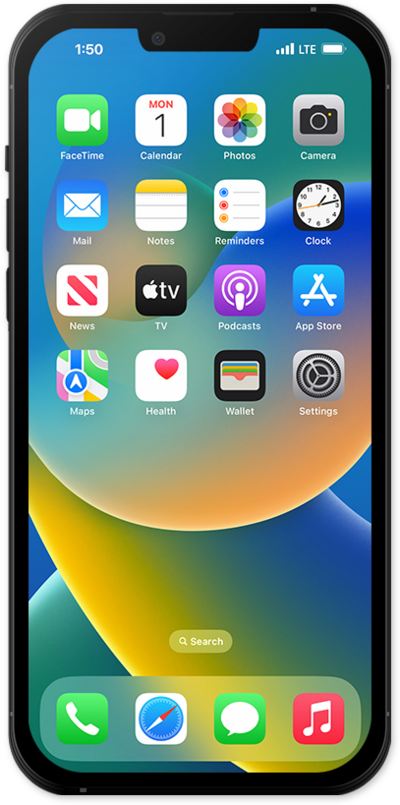
El modo Lockdown ofrece una forma más avanzada de protección diseñada para proteger tu dispositivo de ataques cibernéticos más sofisticados.
1.
From the Settings app, scroll to and tap Privacy & Security.
2.
Scroll to and tap Lockdown Mode.
3.
From here, you can manage the following settings:
- Sensitive Content Warning - Enable this option to have your iPhone automatically detect inappropriate photos and videos before you view them. When enabled, you can customize the apps and services that will have access to this feature.
- Lockdown Mode - This high-security mode will limit or completely restrict your available apps, websites, and feature functionality. It is best used in response to an active cyberattack.
4.
¡Completaste los pasos!
