Usar el acceso asistencia para simplificar las funcionalidades de tu iPhone
iPhone 17 Pro Max
Usar el acceso asistencia para simplificar las funcionalidades de tu iPhone
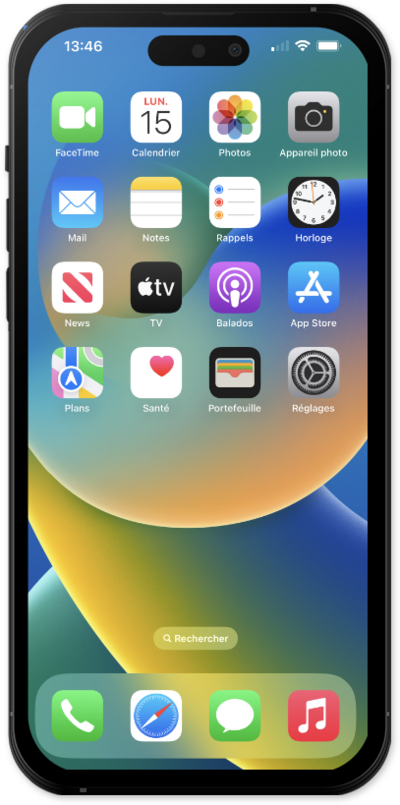
Assistive Access está diseñado para brindarte una experiencia de usuario más simple y hacer que tu dispositivo sea más fácil de usar. Aprende a usar el acceso de asistencia para simplificar las funcionalidades de tu dispositivo.
1.
From the Settings app, tap Accessibility.
2.
Scroll to and tap Assistive Access.
3.
Tap Set Up Assistive Access.
4.
Toca Continuar.
5.
Toca Continue de nuevo.
6.
Select your appearance option and tap Continue.
7.
Select the app you would like to have optimized.
8.
Choose your preferences for the app and tap Continue.
9.
Toca Continue de nuevo.
10.
Toca Continue de nuevo.
11.
Toca Continue de nuevo.
12.
Enter a passcode to use with Assistive Access.
You will need this code to disable Assistive Access when it's active.
13.
Confirm your Assistive Access passcode.
14.
Tap Not Now.
15.
Toca Continuar.
16.
Tap Start Using Assistive Access.
17.
Enter a passcode.
To exit Assistive Access, press the power button three times, then enter the passcode you created during the setup.
18.
¡Completaste los pasos!
