Usar lupa para ver objetos cercanos
iPhone 14 Pro Max
Usar lupa para ver objetos cercanos
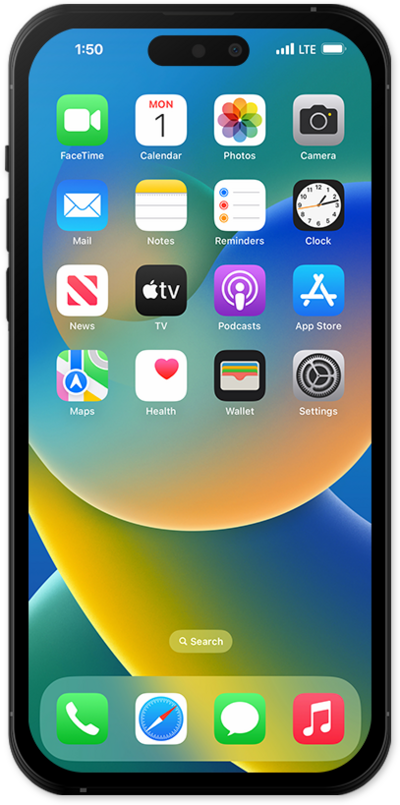
Lupa convierte tu iPhone o iPad en una lupa, haciendo zoom en los objetos cercanos y te ayuda a detectar puertas y personas cercanas.
1.
Within the Magnification app, swipe the Options bar inward to view your extra options.
You can add or remove the options in the menu by tapping on the Settings cog icon.
2.
To zoom out or in, drag the zoom bar between the Minus and Plus icons, respectively.
3.
Tap the Capture icon to take a photo.
Your captured images will not save to your photo library.
4.
¡Completaste los pasos!
