Navegar por tu iPhone con VoiceOver
iPhone 17 Pro Max
Navegar por tu iPhone con VoiceOver
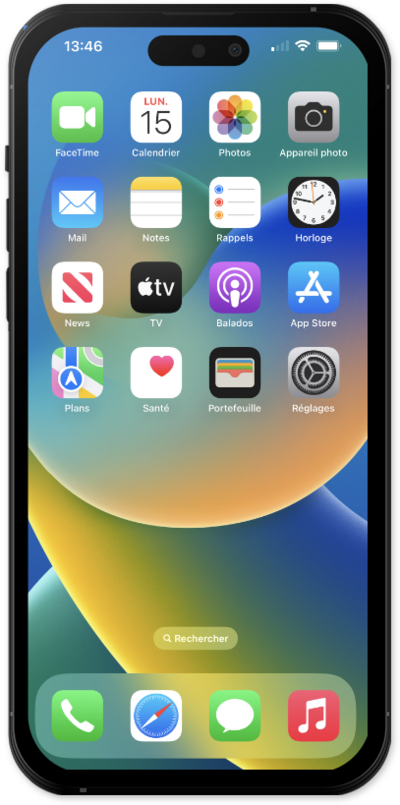
El lector de pantalla basado en gestos VoiceOver describe lo que hay debajo de tu dedo cuando lo tocas o lo arrastras sobre tu dispositivo.
1.
From within the Settings app, tap Accessibility.
2.
Tap VoiceOver.
Depending on your specific device, your options may vary.
3.
Tap or slide the VoiceOver switch to ON.
Your device will begin dictating the text within the black borders.
4.
To turn VoiceOver off, tap the VoiceOver switch to highlight it.
For more information on how to use VoiceOver, tap VoiceOver Tutorial.
5.
Double-tap anywhere on the screen to turn VoiceOver to OFF.
6.
¡Completaste los pasos!
