Encender y apagar el PIN de tu SIM
iPhone 16 Pro Max
Encender y apagar el PIN de tu SIM
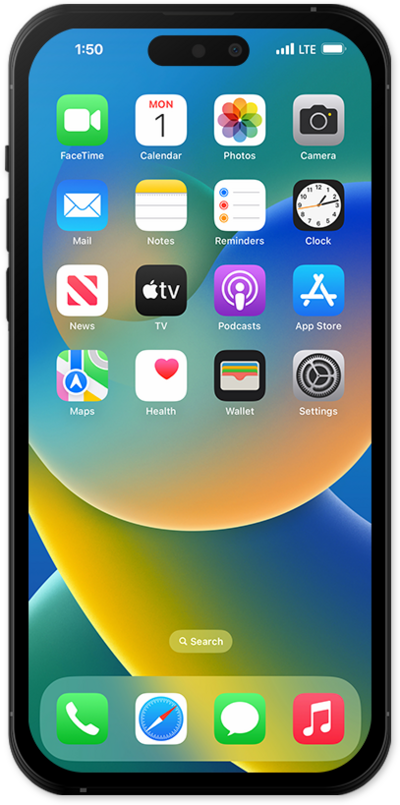
Habilitar un PIN sim te permite asegurar tu tarjeta SIM al requerir que se ingrese un PIN cada vez que restart tu dispositivo o quitas la tarjeta SIM.
1.
Desde la aplicación Settings, toca Cellular.
2.
Tap SIM PIN.
If you have multiple SIMs added, first select the plan you would like to adjust the PIN for.
3.
Tap or slide the SIM PIN switch to ON.
To disable your SIM PIN, you will need to toggle SIM PIN off.
4.
Enter your SIM PIN.
If this is your first time ever enabling a SIM PIN, you will need to enter the default SIM PIN provided by your service provider. Guessing your SIM PIN can result in being locked out of service.
5.
¡Completaste los pasos!
