Añadir y personalizar una miniaplicación
Añadir y personalizar una miniaplicación
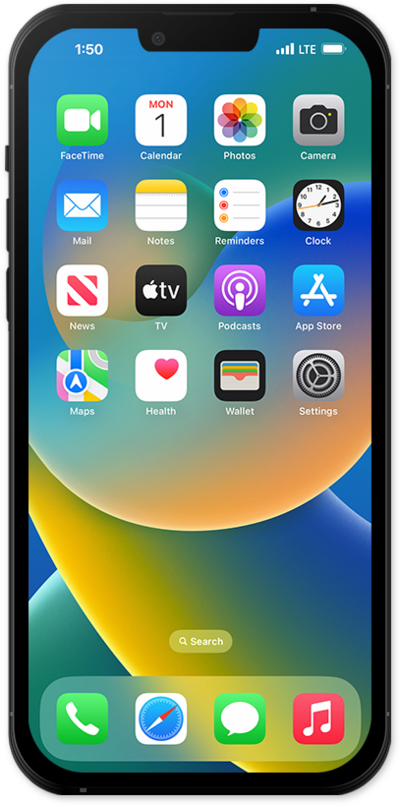
Desde la pantalla principal, mantén oprimido cualquier lugar de la página principal.
Toca Edit.
Desde esta pantalla, también puedes mantener oprimida una aplicación para arrastrarla a tu posición preferida.
Toca Customize.
Desde el menú Editar, también puedes añadir miniaplicaciones, editar tu fondo de pantalla o añadir y eliminar páginas de inicio.
Toca el ícono Size para cambiar el tamaño del ícono de tus aplicaciones.
Los íconos de aplicaciones más grandes ocultarán el nombre de la aplicación y expandirán el ícono para llenar ese espacio. Esta opción no cambiará la disposición de tu pantalla.
Selecciona un estilo de ícono.
Elige Tinted para aplicar un tinte monocromático a todos los íconos de aplicaciones para una apariencia más uniforme. Puedes ajustar el color y la opacidad libremente en esta pantalla.
¡Completaste los pasos!
