Seleccionar manualmente una red móvil
iPhone 12 mini
Seleccionar manualmente una red móvil
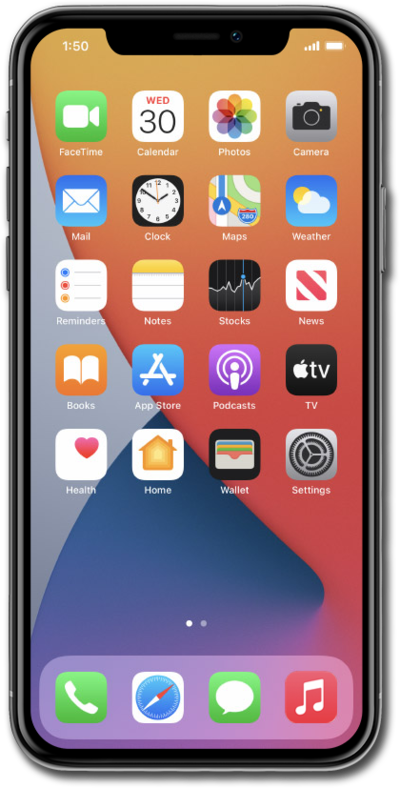
Selecciona manualmente tu red móvil preferida.
1.
Desde la aplicación Settings, toca Cellular.
2.
Toca Network Selection.
Si tienes varias SIM, primero selecciona la que quieres elegir manualmente una red móvil.
3.
Toca o desliza el interruptor Automatic a OFF.
4.
Selecciona tu red móvil preferida.
5.
¡Completaste los pasos!
