Archiva aplicaciones automáticamente para ahorrar espacio en tu dispositivo
Moto G Play - 2026
Archiva aplicaciones automáticamente para ahorrar espacio en tu dispositivo
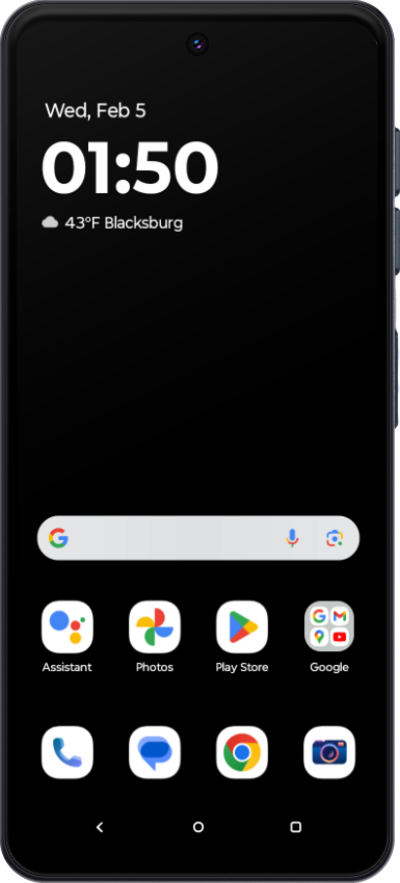
Libera espacio en tu dispositivo al archivar automáticamente las aplicaciones que no usas a menudo. Cuando esta configuración esté activada, se eliminarán las aplicaciones que no uses, pero tus datos personales se guardarán y el ícono de la aplicación permanecerá en tu dispositivo. Puedes restablecer la aplicación fácilmente más tarde.
1.
Desde la pantalla principal, toca Play Store.
2.
Toca el ícono Account .
3.
Toca Settings.
4.
Toca General.
5.
Toca o desliza el interruptor Automatically archive apps a ON.
6.
¡Completaste los pasos!
