Verificar si tu teléfono está bloqueado por la compañía telefónica
Moto G - 2026
Verificar si tu teléfono está bloqueado por la compañía telefónica
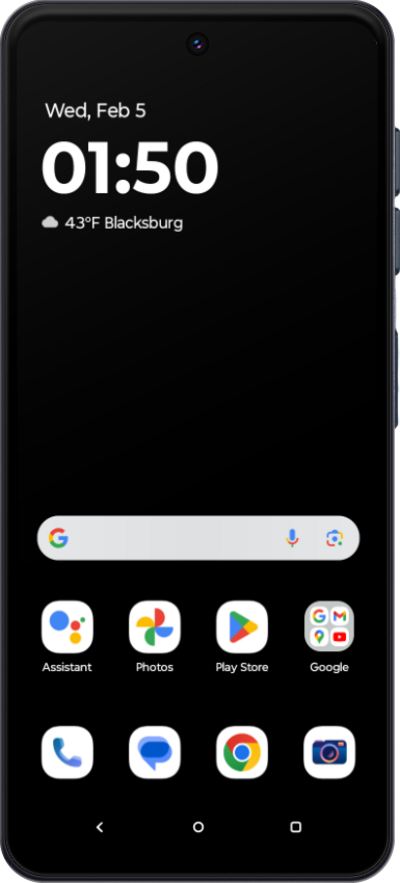
Un dispositivo móvil desbloqueado se puede usar en cualquier red disponible en lugar de estar limitado a una sola red. Sigue este tutorial para identificar si tu dispositivo tiene o no restricciones del proveedor de servicios.
1.
Desde la aplicación Settings, toca Network & internet.
Si no se agregan redes móviles a tu dispositivo en este momento, salta al paso 6.
2.
Toca SIM & mobile network.
3.
Select your carrier's SIM card.
4.
Scroll to and tap Choose network.
5.
Another method to verify if your device is carrier locked is through the About phone settings. Tap BACK four times to return to the landing of the Settings app.
6.
Desplázate y toca About phone.
7.
Desplázate y toca Device details.
8.
Scroll to Network Lock.
If your device displays "Unlocked" under Network Lock setting, then your device is unlocked. However, if your device displays "Locked", then your device is currently locked to a specific carrier.
9.
¡Completaste los pasos!
