Configurar un tablet nuevo manualmente
Configurar un tablet nuevo manualmente
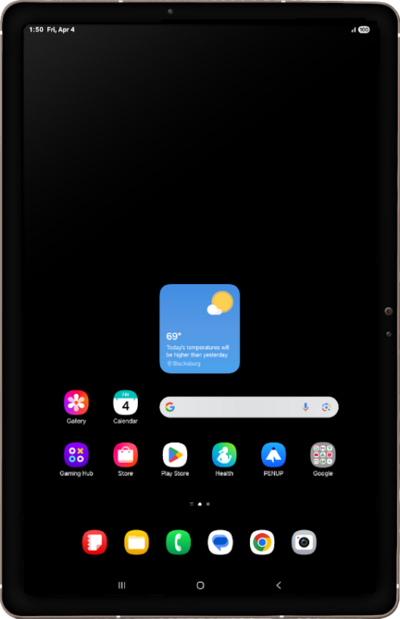
Toca Start.
Aquí puedes cambiar tu configuración local, de accesibilidad y realizar una llamada de emergencia.
Select all policies and agreements you agree to, and tap Agree.
Toca Next.
Toca Set up manualmente.
Selecciona tu red Wi-Fi.
Enter your network password, and tap Connect.
Toca Next.
To set up your tablet as a new device, tap Don't copy.
También puedes transferir aplicaciones y datos desde tu teléfono anterior.
Enter your Google account's email address and tap Next.
Enter your password and tap Next.
Toca I agree.
Toca PIN.
En esta pantalla, puedes elegir varias funcionalidades de seguridad para bloquear tu teléfono.
Enter a PIN number, and tap Continue.
Re-enter your PIN number, and tap OK.
Scroll to and tap Accept.
Toca Continuar.
Toca No thanks.
En esta pantalla, puedes optar por habilitar la funcionalidad "Hey Google" para que funcione con Gemini en tu teléfono.
Toca Email o número de teléfono.
Enter your email, then tap Next.
Enter your password, then tap Sign in.
Select your desired options, then tap Agree.
Toca Agree.
Toca Next.
Select your preferred recommended apps, then tap Next again.
Toca Home.
¡Completaste los pasos!
