Diagnóstico y solución de problemas por qué mi hotspot personal no funciona
Diagnóstico y solución de problemas por qué mi hotspot personal no funciona
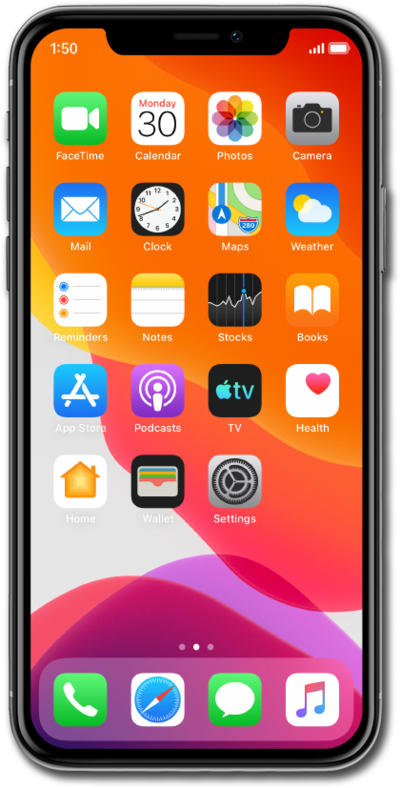
Check Allow Others to Join is turned on:
- Under Personal Hotspot toggle Allow Others to Join off and then back on.
This setting is located at: Home > Settings > Personal Hotspot > Allow Others to Join on.
Check Cellular data is turned on:
- Under the Cellular settings toggle the cellular data off and then back on.
This setting is located at: Home > Settings > Cellular > Cellular Data on.
Check the hotspot password is up to date:
- On the connecting device, forget the network and reconnect with the current password in the Personal Hotspot app.
This setting is located at: Home > Settings > Personal Hotspot > Wi-Fi Password.
Check connected device limit:
- iPhone supports 5 devices at max. Disconnect any that don't need it and try again.
You can check the currently connected devices at: Home > Settings > Personal Hotspot.
Use a USB or Bluetooth connection:
- If Wi-Fi hotspot is not connecting a USB or Bluetooth connection may be possible work around.
Restart your iPhone:
- Hold down the side and either volume button (or just side/top button, if an older model), then swipe the option to power off your device.
Install any pending iOS updates:
- Pending updates for your device may cause issues with your Wi-Fi connectivity.
This setting is located at: Home > Settings > General > Software Update.
Lower the frequency band:
- You may need to lower your iPhone's frequency band to help maximize compatibility to connected devices.
This setting is located at: Home > Settings > Personal Hotspot > Maximize Compatibility on.
Reset Network Settings:
- Resetting your network settings may help resolve connectivity issues for hotspot.
This setting is located at: Home > Settings > General > Transfer or Reset iPhone > Reset > Reset Network Settings. This will erase saved Wi-Fi passwords.
¡Completaste los pasos!
