Hacer llamadas telefónicas y en conferencia
Galaxy Z Flip8
Hacer llamadas telefónicas y en conferencia
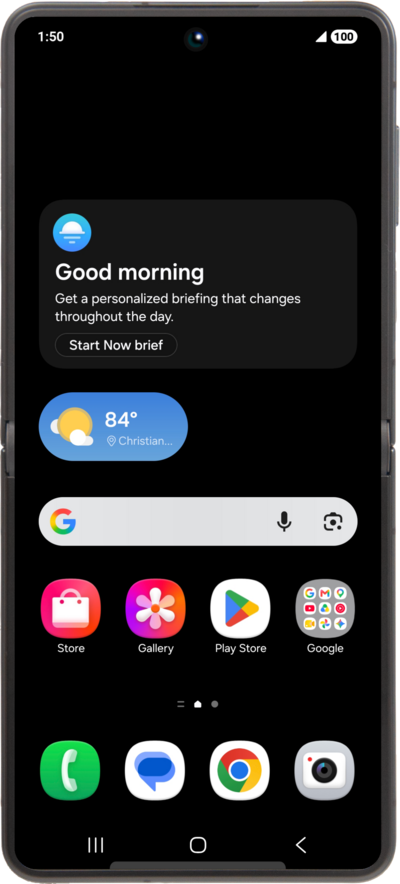
Averigua cómo realizar una llamada con tu dispositivo. Puedes marcar un número de teléfono nuevo o hacer una llamada a un contacto existente.
1.
Desde la aplicación Phone, toca Contacts.
2.
Localiza y selecciona un contacto.
3.
Toca el ícono Call .
4.
Una vez conectado, toca Add call.
5.
Marca el número del contacto que deseas añadir a la llamada confrence.
También puedes seleccionar las pestañas Recents o Contacts para seleccionar un número o contacto.
6.
Toca el ícono Call .
7.
Una vez conectado, toca Merge
Para finalizar la llamada de conferencia, toca el ícono Hang up o para quitar un individuo de la tecla de conferencia en el lado derecho de la pantalla del nombre de las personas.
8.
¡Completaste los pasos!
