Configurar y usar Touch ID en el botón lateral
Configurar y usar Touch ID en el botón lateral
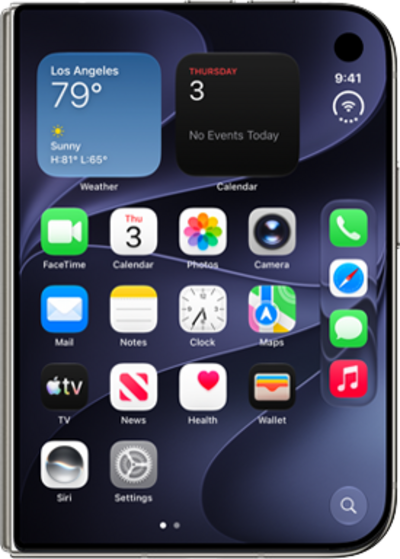
Desde Settings, desplázate y toca Touch ID & Passcode.
Si es necesario, ingresa tu código personal. Debes configurar un código personal para usar Touch ID.
Toca Add a Fingerprint.
Para este tutorial, te mostraremos cómo configurar Touch ID. También puedes configurar tu teléfono para desbloquear solo con un código personal, pero los pasos pueden variar según lo que elijas.
Toca Continuar.
Place your finger on the Side button.
Repeatedly lift and rest your finger on the Side button.
Repeatedly lift and rest the edge of your finger on the Side button.
Toca Continuar.
Si es necesario, ingresa y confirma un código personal para usar cuando Touch ID no esté disponible.
Press the Side button to lock your iPhone Duo.
From the Touch ID & Passcode Page, you can also rest your finger against the Side button to highlight which fingerprint it's registered as.
Place your fingertip on the Side button to wake and unlock your iPhone Duo.
¡Completaste los pasos!
