Transfiere tu eSIM desde iPhone (el dispositivo ya está configurado)
Transfiere tu eSIM desde iPhone (el dispositivo ya está configurado)
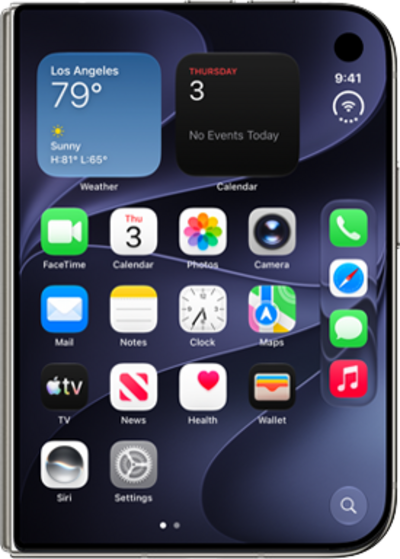
Desde la aplicación Settings, toca Cellular.
Toca Set Up Cellular.
If you already have an eSIM active, this screen may vary. Busca el botón Añadir eSIM debajo de tu plan/planes actuales.
Toca Other Options.
Toca Transfer From Nearby iPhone.
Asegúrate de habilitar un bloqueo de pantalla seguro y de estar en la versión de software lanzada más recientemente.
- Transferir desde iPhone cercana: úsalo si te cambias de otro iPhone. Ambos dispositivos deberán estar cerca y conectados a Wi-Fi. Tu eSIM y número se transferirán directamente entre dispositivos.
- Transferencia desde Android: úsalo si te cambias de un dispositivo Android.
Place your devices next to each other, then follow the on-screen prompts on both devices.
En tu otro dispositivo, ingresa el código de verificación que se muestra en tu dispositivo.
Toca Transfer from iPhone.
Toca Transfer Number.
Follow the instructions on your other iPhone, then tap OK.
To confirm the transfer, you'll usually be prompted to double-press the Side or Home button of your old device. You may also need to enter your device passcode or other security info.
Toca Done.
¡Completaste los pasos!
