Activar y desactivar roaming de datos (SIM simple y doble)
iPhone Duo
Activar y desactivar roaming de datos (SIM simple y doble)
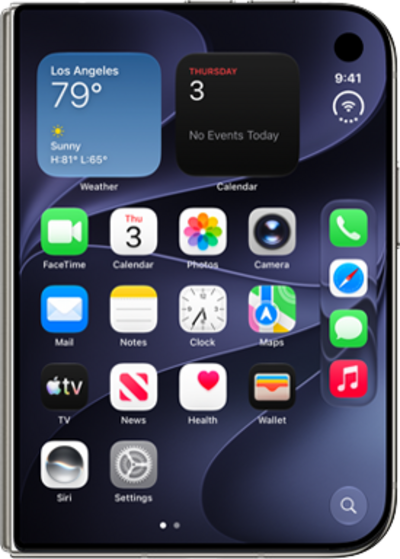
Cuando viajes al exterior, es posible que quieras activar y desactivar roaming de datos para conservar los datos y minimizar los cargos no deseados.
1.
Desde la aplicación Settings, toca Cellular.
El servicio móvil puede denominarse datos móviles o datos móviles, según tu dispositivo.
2.
Toca Cellular Data Options.
3.
Toca o desliza el botón Data Roaming a ON.
Otras opciones en esta pantalla pueden variar según las funcionalidades de la red de tu compañía telefónica o de tu dispositivo.
4.
If your device currently has multiple SIMs, you will first need to select the SIM you want to adjust data roaming for.
5.
Scroll to and tap or slide the Data Roaming switch to ON.
Data Roaming can be enabled or disabled individually for each SIM on your device.
6.
¡Completaste los pasos!
