Mensajes en modo de imagen de baja calidad para ahorrar datos
iPhone 7 Plus
Mensajes en modo de imagen de baja calidad para ahorrar datos
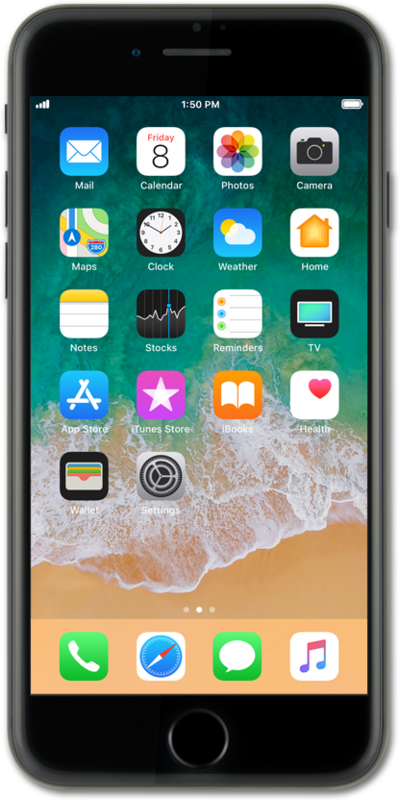
Para ahorrar en el uso de datos móviles, puedes configurar tu dispositivo para que envíe imágenes a través de mensajes de texto en menor calidad.
1.
Desde la pantalla de inicio, toca Settings.
2.
Scroll to Messages.
3.
Toca Messages.
4.
Scroll to Low Quality Image Mode.
5.
Tap or slide the Low Quality Image Mode switch to ON.
Sending lower quality images will reduce data usage.
6.
¡Completaste los pasos!
