Transferir contenido desde tu dispositivo anterior a través de USB
Transferir contenido desde tu dispositivo anterior a través de USB
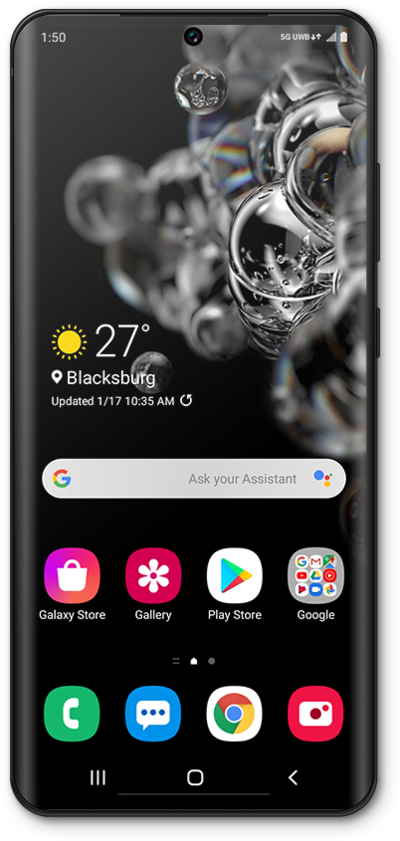
Toca Start.
Revisa y confirma la información, luego toca Agree.
Selecciona tu red Wi-Fi, ingresa su contraseña y toca Connect.
Toca Next.
Vuelve a tocar Next .
Toca ¿No puedes usar el dispositivo viejo? si deseas restaurar tu información desde una copia de respaldo de Google.
Vuelve a tocar Next .
Desplázate y toca Allow.
Toca Galaxy/Android.
Si transfieres información desde un dispositivo Apple, en su lugar toca iPhone/iPad.
Toca Cable.
Connect a compatible USB cable to your old device, then connect the other end to your new Galaxy.
Follow the instructions on your old device to install and update Smart Switch.
If you are not automatically guided to the Transfer screen, tap Send data.
Choose what you'd like to copy from your old device and then tap Next.
Después de este paso, sigue los pasos de tu dispositivo viejo para copiar tu cuenta de Google y las copias de seguridad. Tus datos se transferirán mientras continúas configurando tu nuevo dispositivo.
¡Completaste los pasos!
