Usar el modo de recuperación
iPhone 13 Pro Max
Usar el modo de recuperación
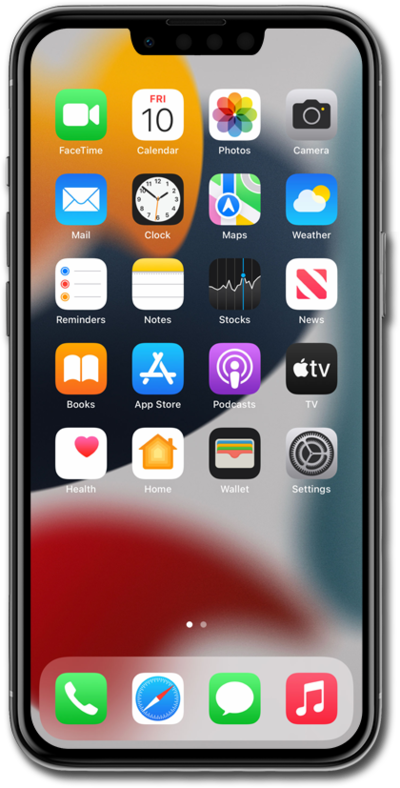
Si tienes problemas para actualizar o restaurar tu dispositivo, puedes habilitar el modo de recuperación para restaurar o actualizar con la ayuda de tu computadora.
1.
Quickly press and release the Volume up button.
For this tutorial, we're showing how to update iPhone using recovery mode. iTunes will try to reinstall iOS without deleting your data. You can choose to restore iPhone instead, but steps may vary based on what you choose.
2.
Oprime y suelta rápidamente el botón Volume down .
3.
Mantén oprimido el botón lateral hasta que veas el logotipo de Apple.
4.
Continue to hold the Side button and connect the device to your computer.
5.
On your computer, click Update.
After the update completes, follow the onscreen prompts to set up iPhone.
6.
¡Completaste los pasos!
