Activar y cambiar tu acceso por voz
Galaxy A02s
Activar y cambiar tu acceso por voz
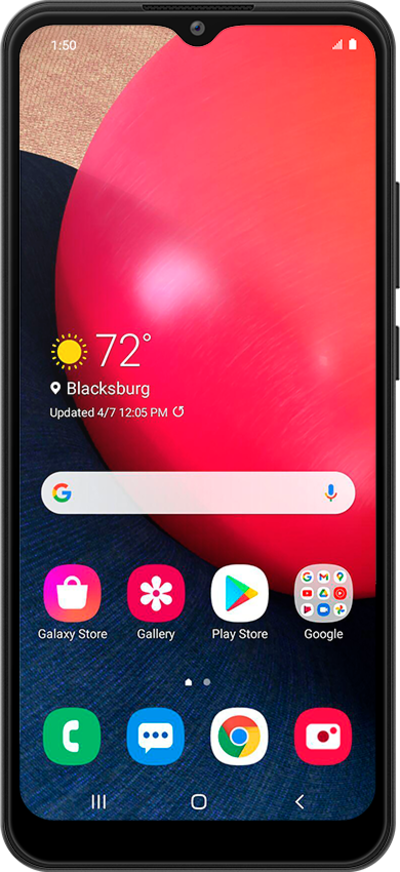
Voice Access te permite navegar a través de tu dispositivo e incluso iniciar aplicaciones al hablar con tu dispositivo en lugar de tocar la pantalla.
1.
Desde la aplicación Settings, ve hasta Accessibility.
2.
Toca Accesibilidad.
3.
Toca Interaction and dexterity.
4.
Toca Voice Access.
5.
Toca Settings.
6.
Ve hasta el botón Activation.
7.
Toca el botón Activation para activar.
8.
Toca el ícono Back .
9.
Toca el botón Voice Access a ON.
10.
Toca Allow.
11.
¡Completaste los pasos!
