Liberar espacio de almacenamiento
Galaxy Note 20 Ultra 5G
Liberar espacio de almacenamiento
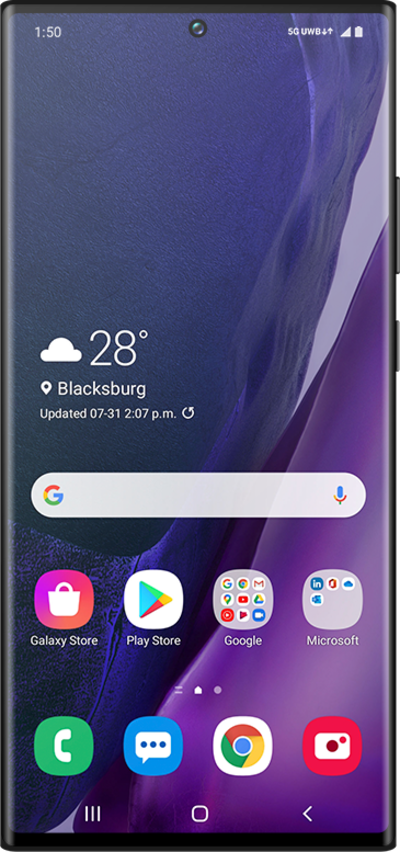
Puedes guardar fotos y videos en tu dispositivo o en una tarjeta SD. Guardar fotos y videos en tu tarjeta SD libera espacio de almacenamiento en tu dispositivo y hace que sea más fácil transferirlos a tu nuevo dispositivo.
1.
From the Settings app, scroll to Battery and device care.
2.
Toca Battery and device care.
3.
Toca Storage.
Data stored on your device will be shown separated into different categories.
4.
Toca Images.
5.
Tap and hold the images you want to delete.
6.
Toca Delete all.
This option may instead read as Delete if you have more than one image saved on your device.
7.
Tap Move to Trash.
8.
¡Completaste los pasos!
