Insertar y extraer la tarjeta nano SIM
Insertar y extraer la tarjeta nano SIM
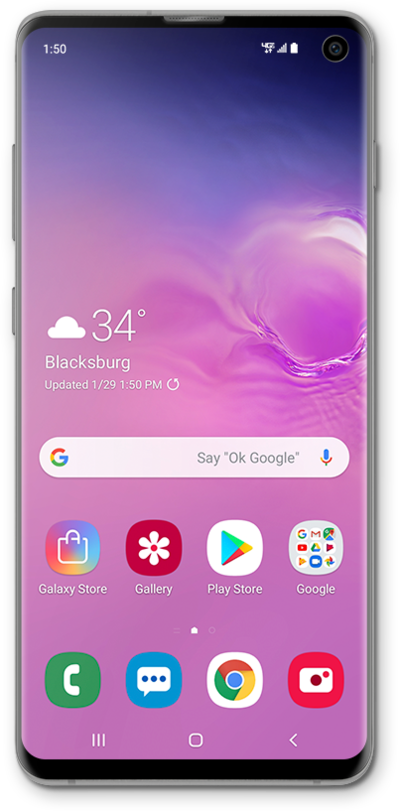
Ubica la bandeja de tarjeta nano SIM / microSD combinada en la parte superior de tu dispositivo.
Debes tener una tarjeta nano SIM insertada en tu teléfono para realizar llamadas, acceder a Internet, descargar aplicaciones y compartir fotos a través de la red de tu compañía telefónica.
Oprime la herramienta de inserción/extracción de la tarjeta en el orificio de la bandeja de la tarjeta nano SIM / microSD combinada y empuja hasta que se libere la bandeja.
Desliza la bandeja de la tarjeta nano SIM / microSD combinada fuera de su ranura.
Es posible que ya esté insertada una tarjeta nano SIM en tu teléfono.
Inserta o retira la tarjeta nano SIM dentro o desde la bandeja con los contactos dorados hacia la parte posterior del teléfono.
Oprime la bandeja de la tarjeta nano SIM / microSD combinada en su ranura hasta que haga clic, asegurándote de que esté segura.
¡Completaste los pasos!
