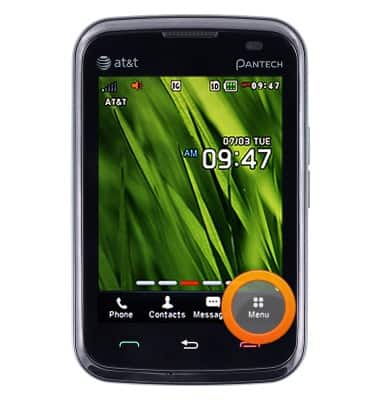
- Desde la pantalla inicio, toca Menu.
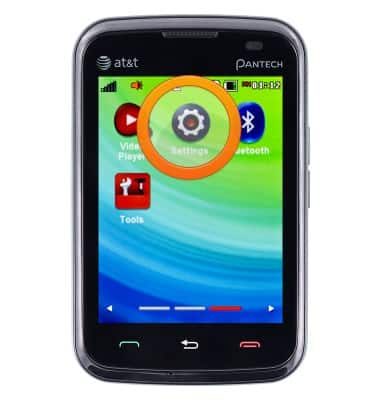
- Desplázate y toca Settings.
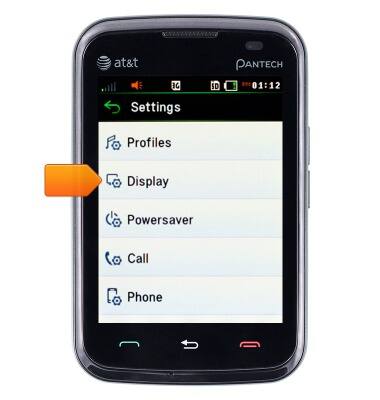
- Desplázate y toca Display.
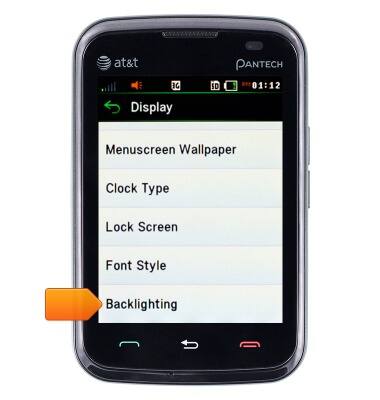
- Desplázate y luego toca Backlighting.
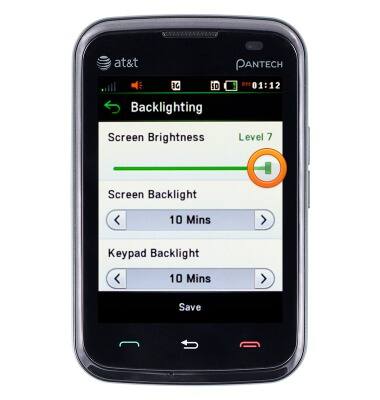
- Toca y arrastra la barra deslizadora del brillo de la pantalla como desees.
Pantalla
Pantech Renue (P6030)
Pantalla
Ajusta el brillo de manera manual o habilita la funcionalidad automática para obtener la mejor configuración de brillo. Aumentar el brillo reducirá la vida de tu batería y viceversa si el brillo es bajo.
INSTRUCTIONS & INFO