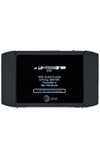
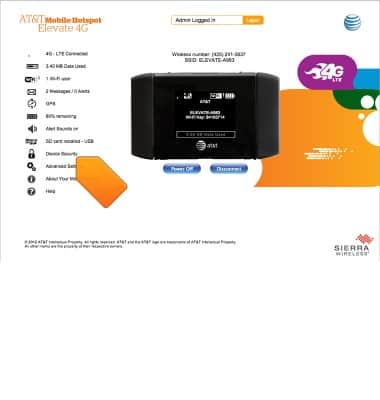
- Desde Elevate Manager, haz clic en Device Security.
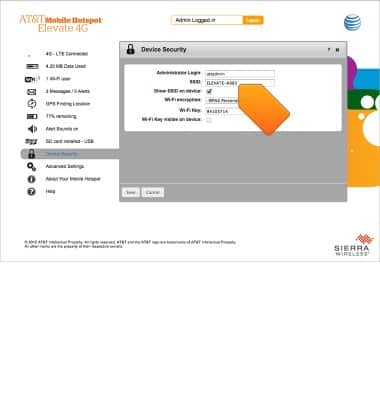
- Haz clic en el campo SSID, luego ingresa el nombre de red que desees. Para cambiar la contraseña, haz clic en el campo de clave Wi-Fi e ingresa la contraseña que desees.
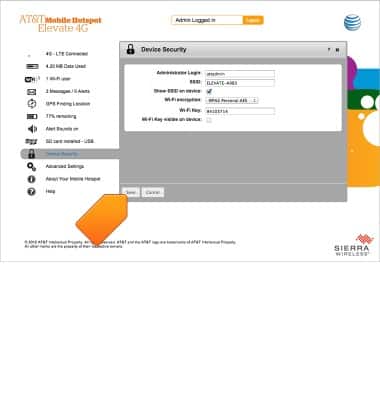
- Haz clic en Save.
Nombre de red y contraseña de Wi-Fi
AT&T Mobile Hotspot Elevate 4G
Nombre de red y contraseña de Wi-Fi
Este artículo describe cómo cambiar el nombre de la red.
INSTRUCTIONS & INFO