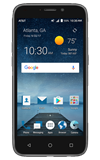
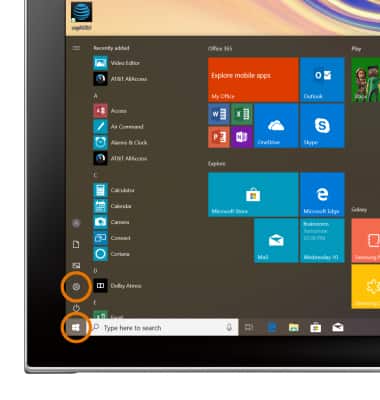
- SET STORAGE LOCATION: From the Home Screen, select the Start icon then select the Settings icon.
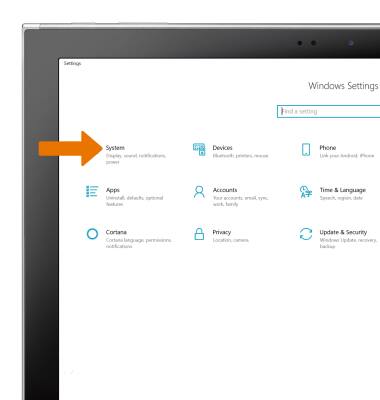
- Select System.
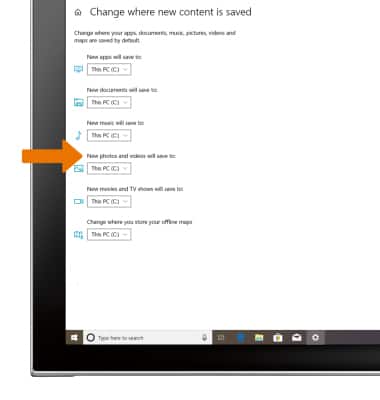
- Select the Storage tab, then select Change where new content is saved.
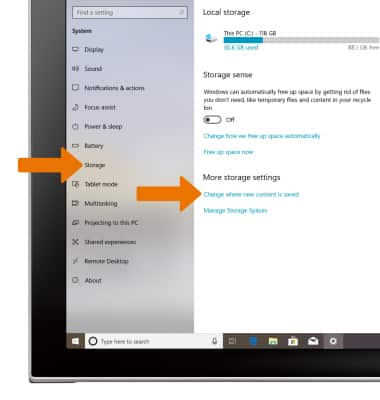
- Adjust settings as desired.
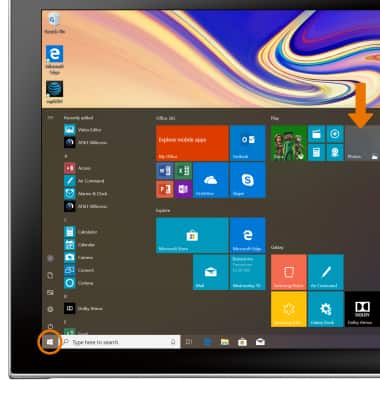
- ACCESS PHOTOS & VIDEOS: From the Home screen, select the Start icon then select the Photos app.
Access, Store Photos & Videos
ZTE Maven 3 (Z835)
Access, Store Photos & Videos
Learn how to access and store Photos & videos.
INSTRUCTIONS & INFO