Changing the default Home screen
V60 ThinQ 5G Dual Screen
Changing the default Home screen
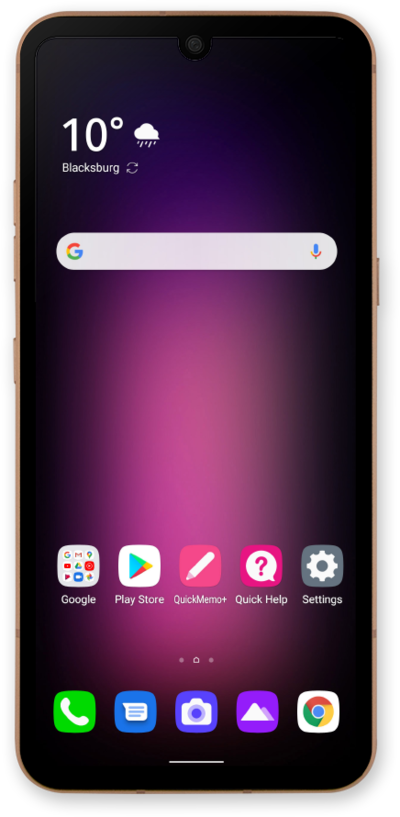
You can change the default home screen on your device. Your default home screen is the main home screen that your device loads when it first starts up or when you press the Home button while on the home screen.
1.
From the Home screen, touch and hold an empty space.
2.
Swipe to the screen you'd like to mark as the new default Home screen.
3.
Tap the Default home icon.
4.
Swipe up from the bottom of the screen to save your changes.
5.
You've completed the steps!
