Sending a text
XP3Plus
Sending a text
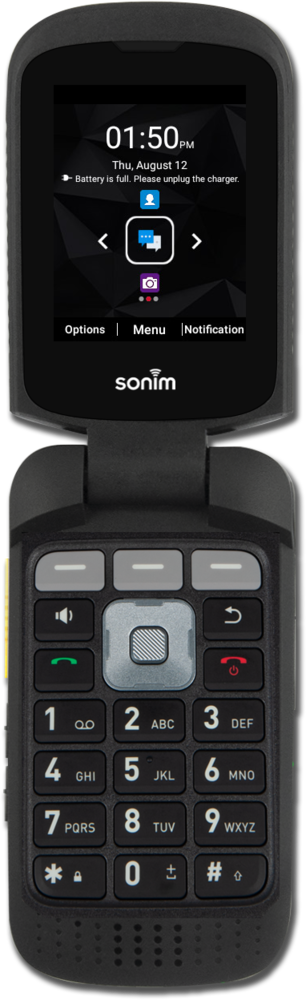
Compose and send a standard SMS message with your device's text messaging app. You can send a text message to an individual or a group.
1.
From the Home screen, press the Select button to open the Messaging app.
2.
Press the Middle button.
3.
Press the Middle button again.
4.
Navigate to a contact.
5.
Press the Select button.
If necessary, navigate to a number or email address and press the Select button to select it, then navigate to OK and press the Select button to confirm your selection.
6.
Press the Middle button.
7.
Navigate to the Type message field.
8.
Enter your message.
9.
When you're finished, press the Call button to send the message.
10.
You've completed the steps!
