Setting up a new phone manually
Setting up a new phone manually
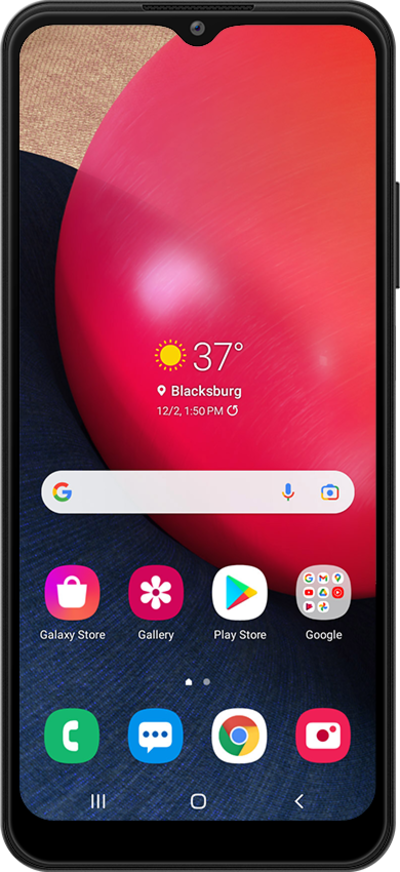
Tap Start.
Here you can change your locale, accessibility settings, and make an emergency call.
Select all policies and agreements you agree to, and tap Agree.
Tap Next.
Select your Wi-Fi network.
Enter your network password, and tap Connect.
Tap Next.
To set up your phone as a brand-new device, tap Don't copy.
You can also transfer apps and data from your previous phone.
Enter your Google account's email address and tap Next.
Enter your password and tap Next.
Choose who will be using this device and tap Next.
Tap I agree.
Tap Accept.
Tap PIN.
On this screen, you can choose various security features to lock your phone with.
Enter a PIN number, and tap Next.
Re-enter your PIN number, and tap OK.
Tap Skip.
From this screen, you can choose to set up Google Assistant.
Tap Skip, again.
From this screen, you can set up unlocking your device with Google Assistant.
Tap Skip again.
On this screen, you can choose to set up your Samsung account.
Tap Skip again.
Tap Agree.
On this screen, you can choose which Samsung services you'd like to have on your device.
Tap Finish.
You've completed the steps!
