Charging the iPhone with a USB-C Cable
iPhone 15
Charging the iPhone with a USB-C Cable
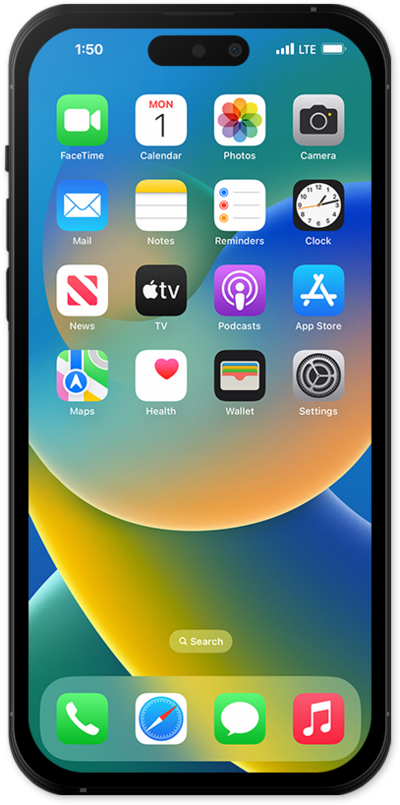
Familiarize yourself with the process of charging your device with a cable by reviewing this Interactive Tutorial. Inspect your charging cable for any signs of damage before attempting to charge your device.
1.
Locate the USB-C port on the bottom of iPhone.
Your device will learn how you use it so it can optimize charging. It will charge up to 80% and then wait until it believes you will start using it before finishing the charge to 100%. This will help extend the life of your battery.
2.
Insert the USB-C cable into iPhone.
3.
Once plugged in you will see the charging icon on the front of your device.
If plugged in correctly the icon will indicate when it has been fully charged.
4.
When iPhone is finished charging, remove the USB-C cable.
5.
You've completed the steps!
