Setting up iPhone by transferring from Android
Setting up iPhone by transferring from Android
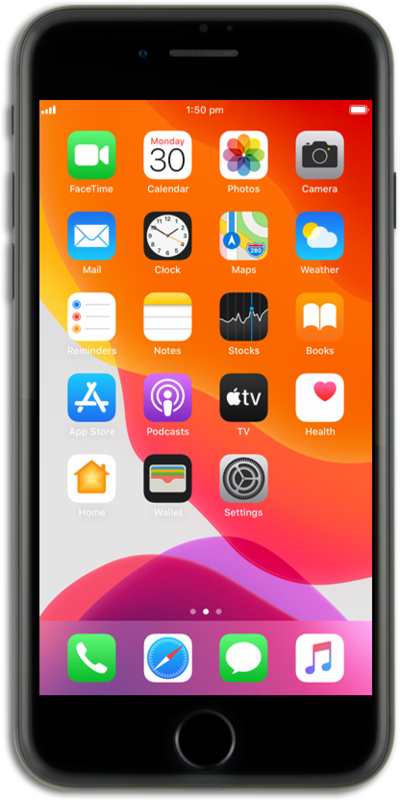
Hold the Side button to turn on your iPhone, and then swipe up from the bottom of the "Hello" screen to start the setup process.
If you are using a device with a home button, press the Home button instead of swiping up from the bottom of your screen.
Select your language, and then select your country or region.
Select the appearance for your device and then tap Continue.
Tap Set Up Without Another Device.
Select your Wi-Fi network.
If prompted, enter the network password and tap Join.
Tap Continue.
Tap Set Up for Myself.
Tap Continue and follow the instructions to set up Face ID on your iPhone, an important authentication system that increases your device's security. Once complete, you'll be able to use Face ID to unlock your iPhone, confirm purchases, and sign into websites (on Safari).
If your iPhone has a Home button with a fingerprint sensor instead of a TrueDepth camera, you may be prompted to set up Touch ID instead.
Tap Don't Use Face ID with a Mask.
Depending on your device, you may not see this option.
Tap Continue.
Create a passcode.
Re-enter your passcode.
Tap From Android.
Tap Continue.
This will show a one-time code that will need to be enter onto your Android device.
On your Android device, open the Move to iOS app and follow the setup instructions. When prompted, enter your one-time code.
This code will be generated by your new iPhone device. If needed, you may need to generate a new code.
Select which content you would like to transfer.
Tap Continue.
Your Android device may say the transfer is complete before iPhone is finished. Please wait until both devices say the transfer is complete before you continue.
You've completed the steps!
